Choose the time.
Set the minutes and seconds for your routine.

 TIMER 4 KIDS
“How much longer?” Make passing time something children can see, with colorful scenes and a clear finish.
Take a look inside Preparing for App Store release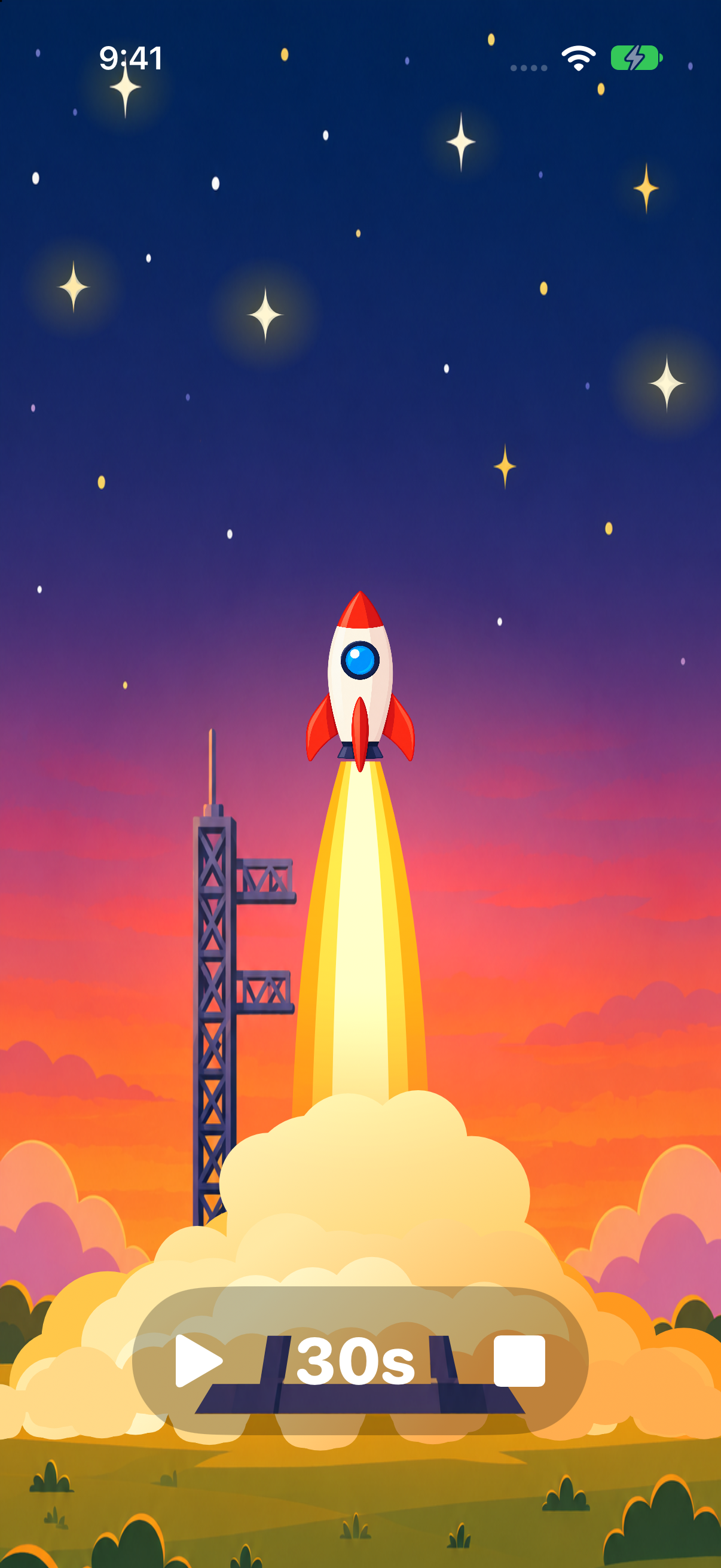
READY, SET, SEE
Set the minutes and seconds for your routine.
Choose the little world your child wants to watch.
The scene progresses as time passes. Pause or stop whenever you need to; a sound marks the finish.
REAL SCREENS. LITTLE WORLDS.
Tap a screenshot to view it full size.
Swipe to explore the scenes →

Glowing layers of lava rise as the seconds pass.
A rocket climbs into a sky full of stars.
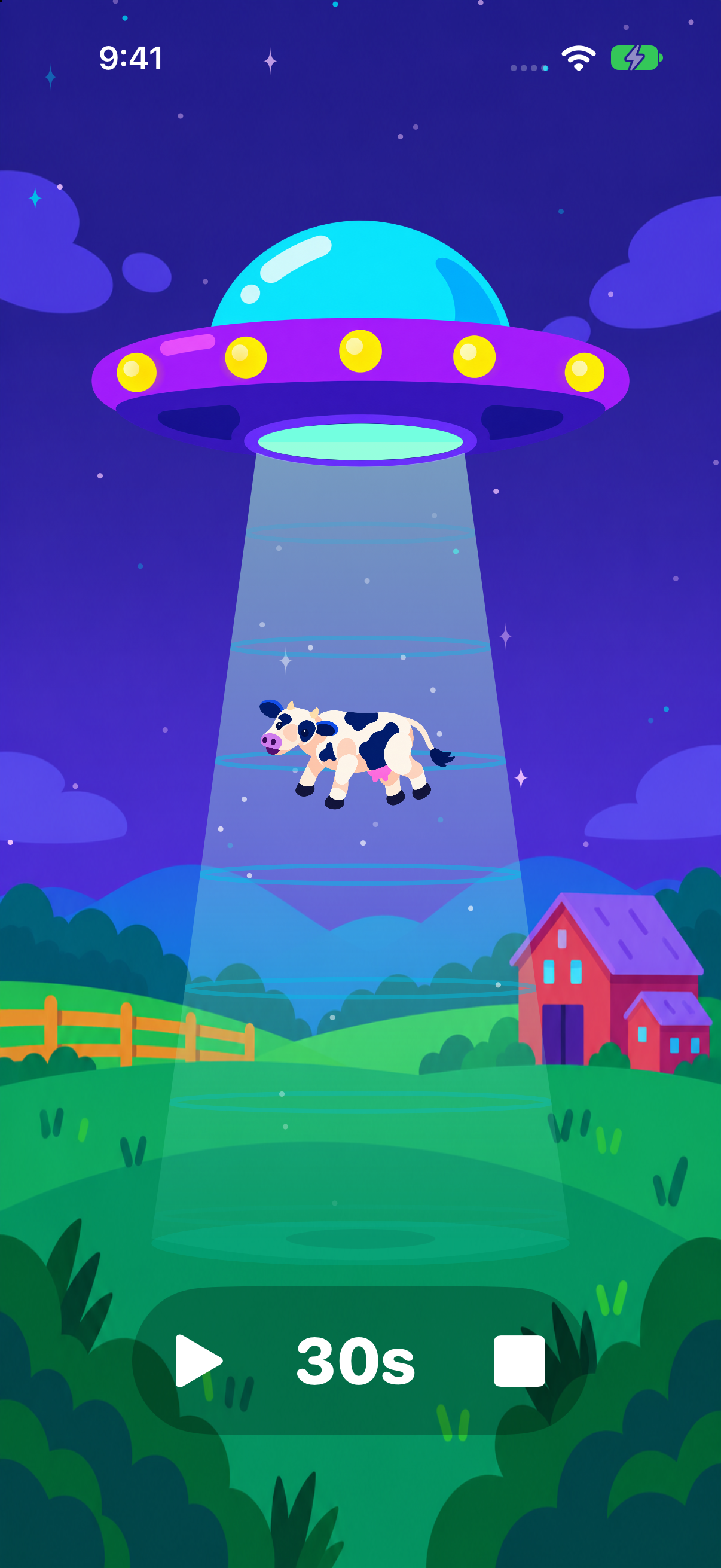
A little cow floats toward a colorful flying saucer.

A bright potion rises with bubbles and stars.
Captured from Timer 4 Kids 1.0, build 11, on an iPhone simulator.
AT THEIR PACE
Set a time, choose a scene, and let the picture do the explaining. Pause or stop whenever you need to.
What matters to usHERE TO HELP
Find setup tips, sound troubleshooting, and information about how the app handles data.